Live screen translation
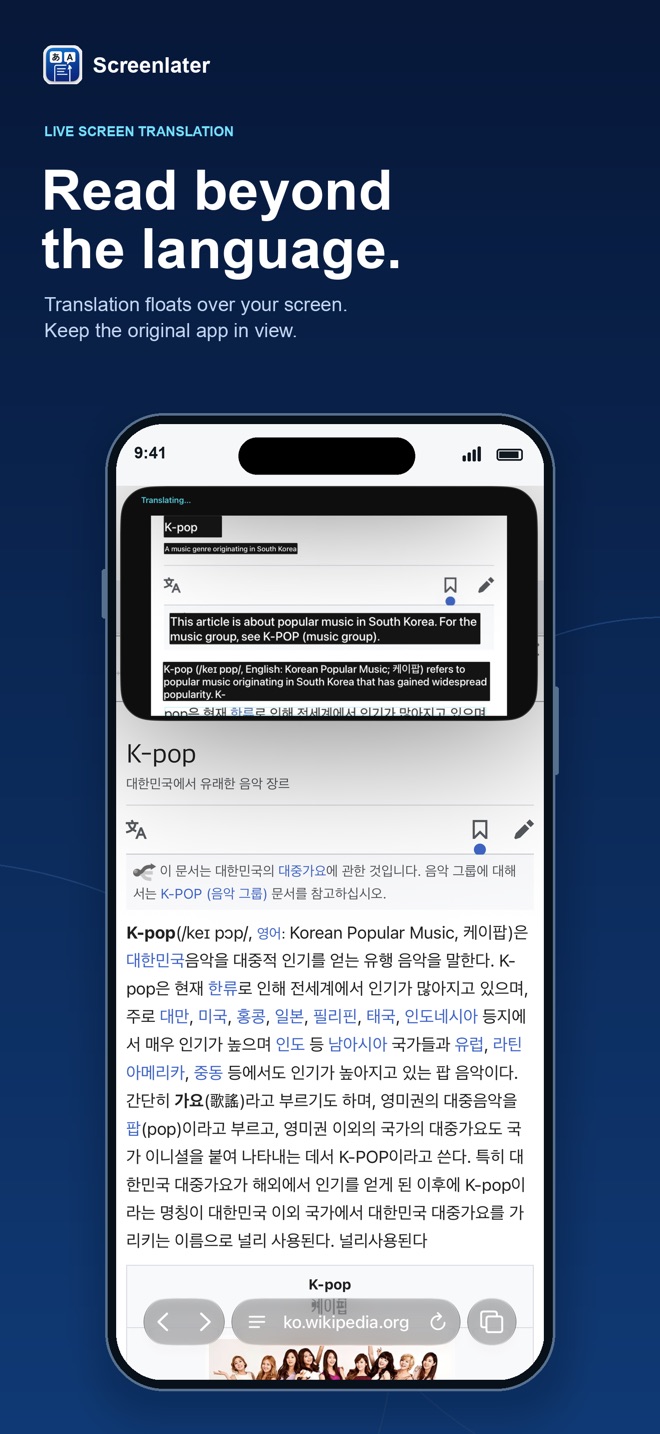
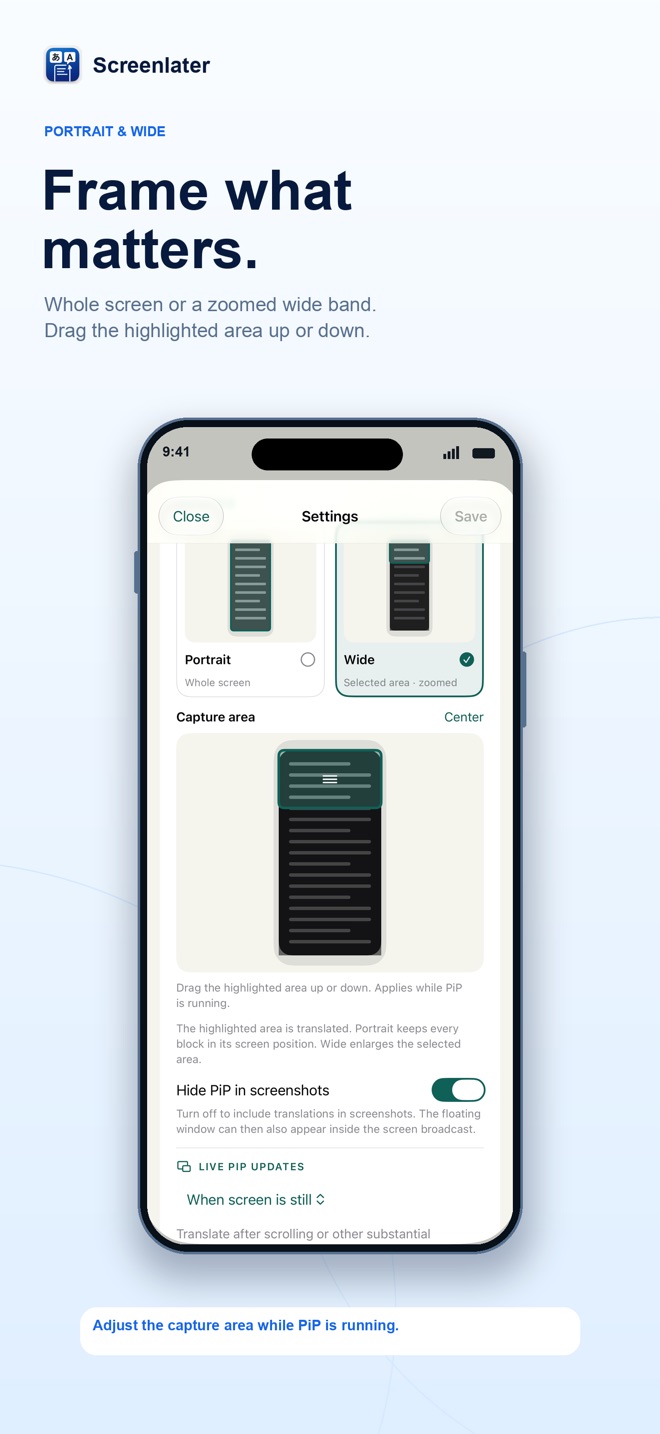
Start screen sharing and keep using any app. A floating Picture-in-Picture window shows your screen with translations placed over the original text. Use portrait for the whole screen or wide for a zoomed band you can drag.
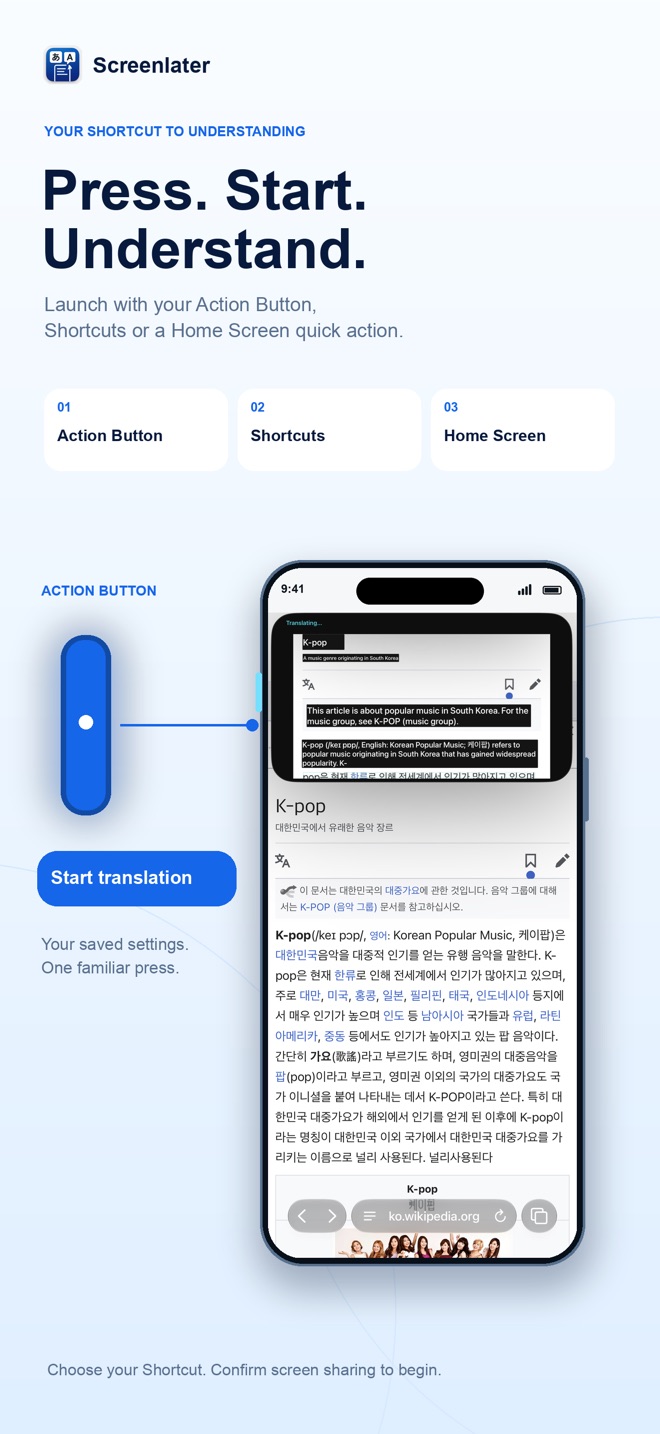
One press to start
Run Start Live Translation from the Action Button, Shortcuts or the Home Screen icon menu. Your saved languages and settings are used every time; iOS still asks you to confirm screen sharing.
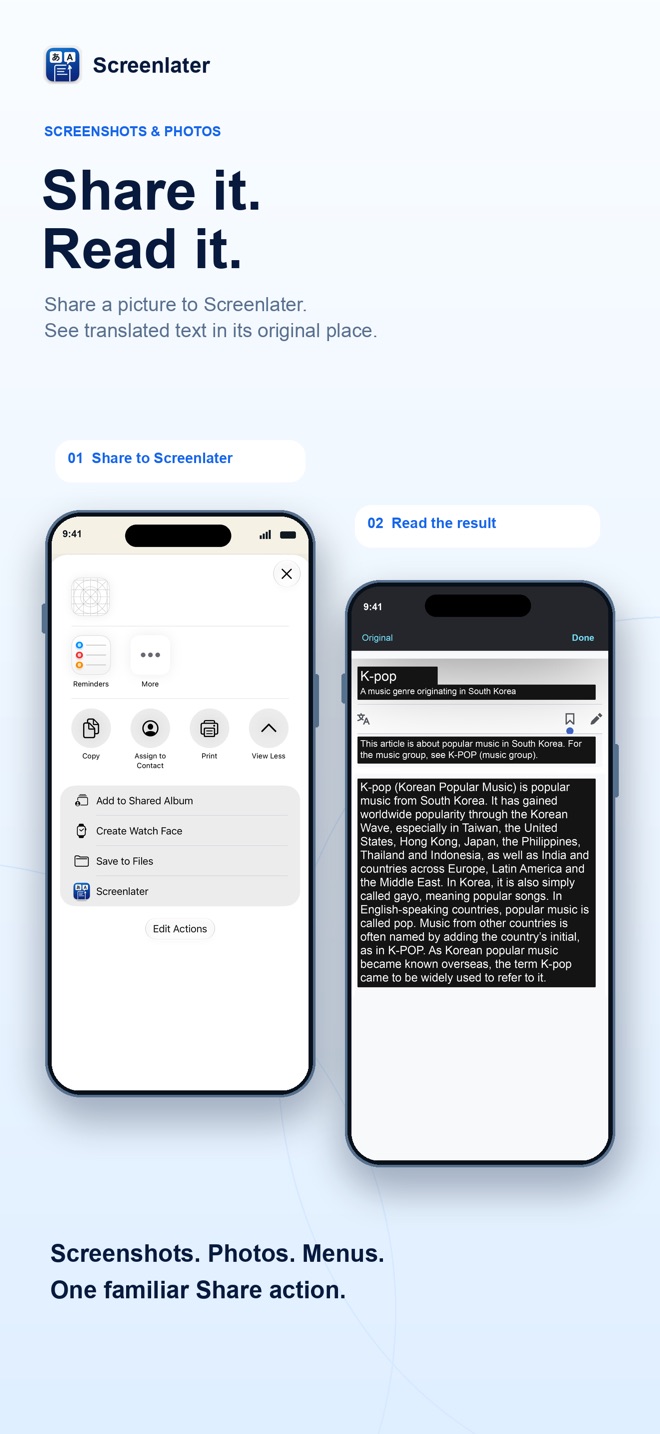
Share screenshots & photos
Share a screenshot or photo to Screenlater and it opens full screen, translated. Compare with the original, pinch to zoom and copy any block of text.
On-device by default
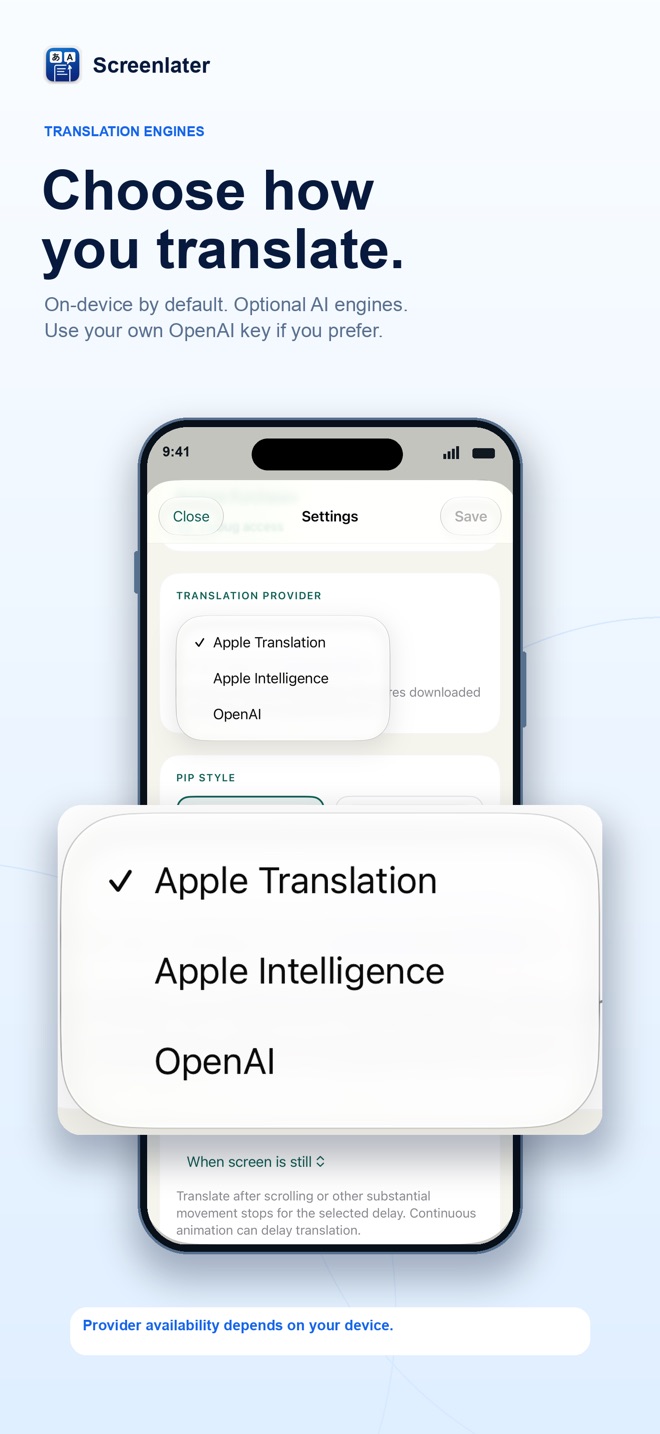
Built-in text recognition and translation run on your iPhone. Apple Intelligence and OpenAI translation are optional and only used when you choose them.
Support
Questions, problems or suggestions? Email dmitrijs.juskovs@gmail.com. Please include your iPhone model, iOS version and the languages you are translating between.
Requirements
- Picture and Share translation: iOS 18.2 or later.
- Live screen translation with on-device translation: iOS 26 or later.
- Apple Intelligence: a compatible device with Apple Intelligence enabled.
Purchases
- Try every feature free for 7 days. There is no automatic charge when the trial ends.
- Unlock Screenlater permanently with a one-time purchase.
- Use Restore Purchases in Settings on a new device or after reinstalling.